Documentation Index

Fetch the complete documentation index at: https://automatebusiness.mintlify.app/llms.txt

Use this file to discover all available pages before exploring further.

All Automate Chats API requests require a secret API key for authentication. This key identifies your account and ensures that only authorized systems can send messages on your behalf.

Generating an API Key

Follow these steps to create your first API key.
1

Open Settings

Log in to your dashboard and click on More in the top navigation bar.
2

Navigate to Webhook & API

From the dropdown menu, select Webhook & API.Webhook & API Menu
3

Create New API Key

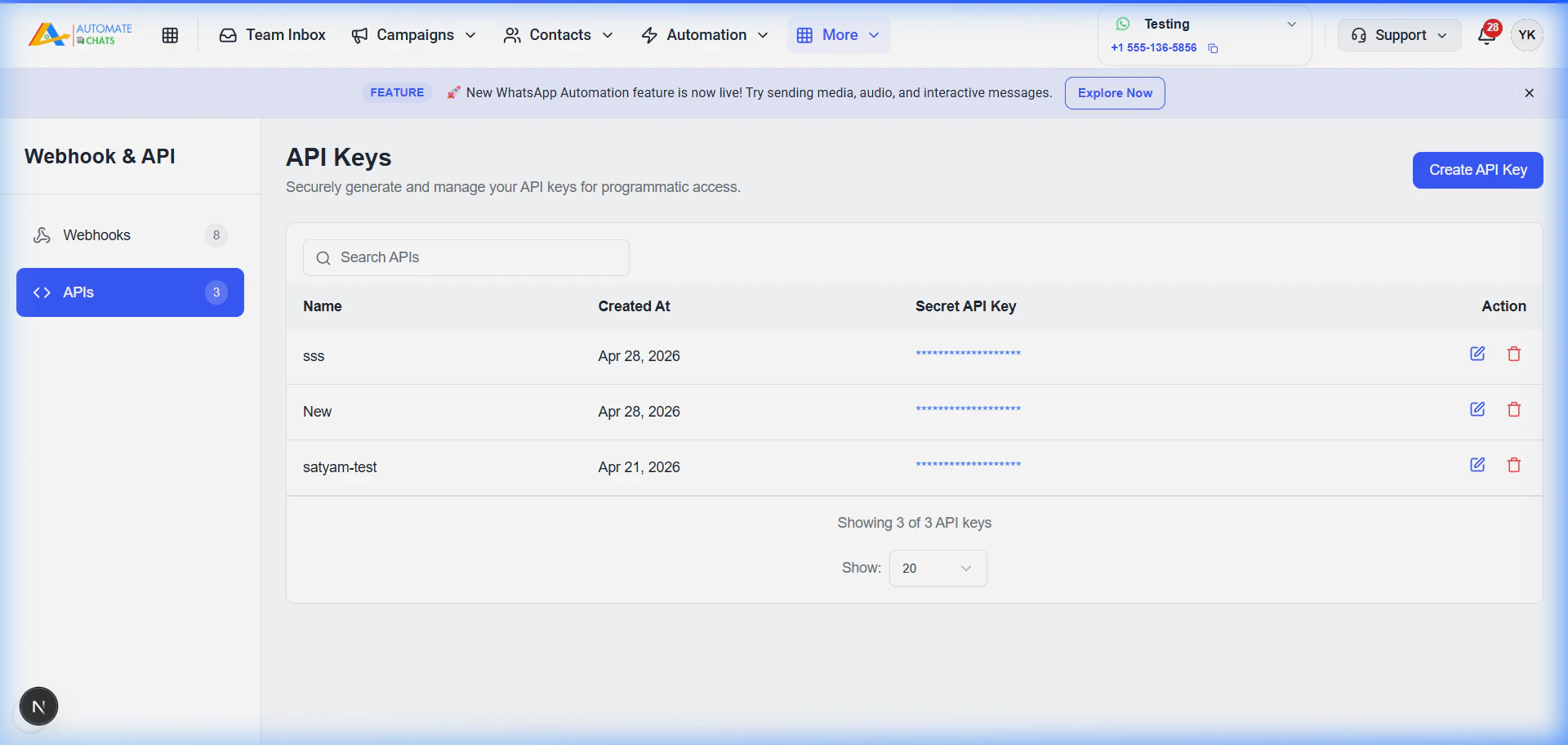
Click on the APIs tab in the sidebar and then click the Create API Key button.
4

Name and Save

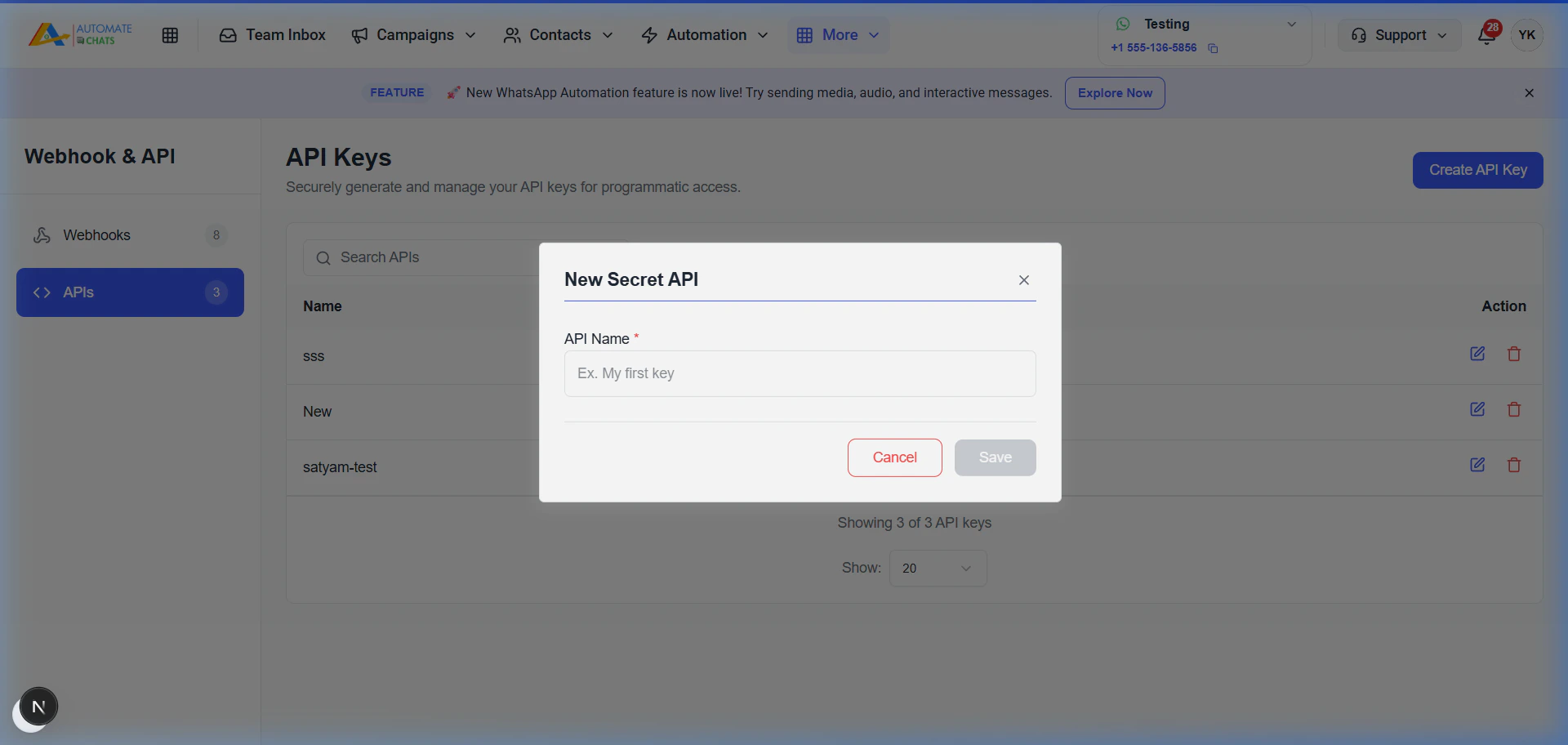
Enter a name for your key (e.g., “Pabbly Integration”) and click Save.Create API Key Modal
5

Secure your Key

Copy the generated secret immediately. For security reasons, it will not be shown again.

Using the API Key

Include your secret key in the X-API-Key header of all your HTTP requests.

Example Request

curl --request GET \
  --url https://api.automatechats.com/api/templates/approved \
  --header 'X-API-Key: YOUR_API_KEY'
Security Warning: Never share your API key or commit it to public repositories. If your key is compromised, delete it immediately from the dashboard and generate a new one.