
Base URL
All requests must be made against the following integration base URL:The API key passed in the
x-api-key header determines your workspace. Do not add a workspace ID to request paths or request bodies.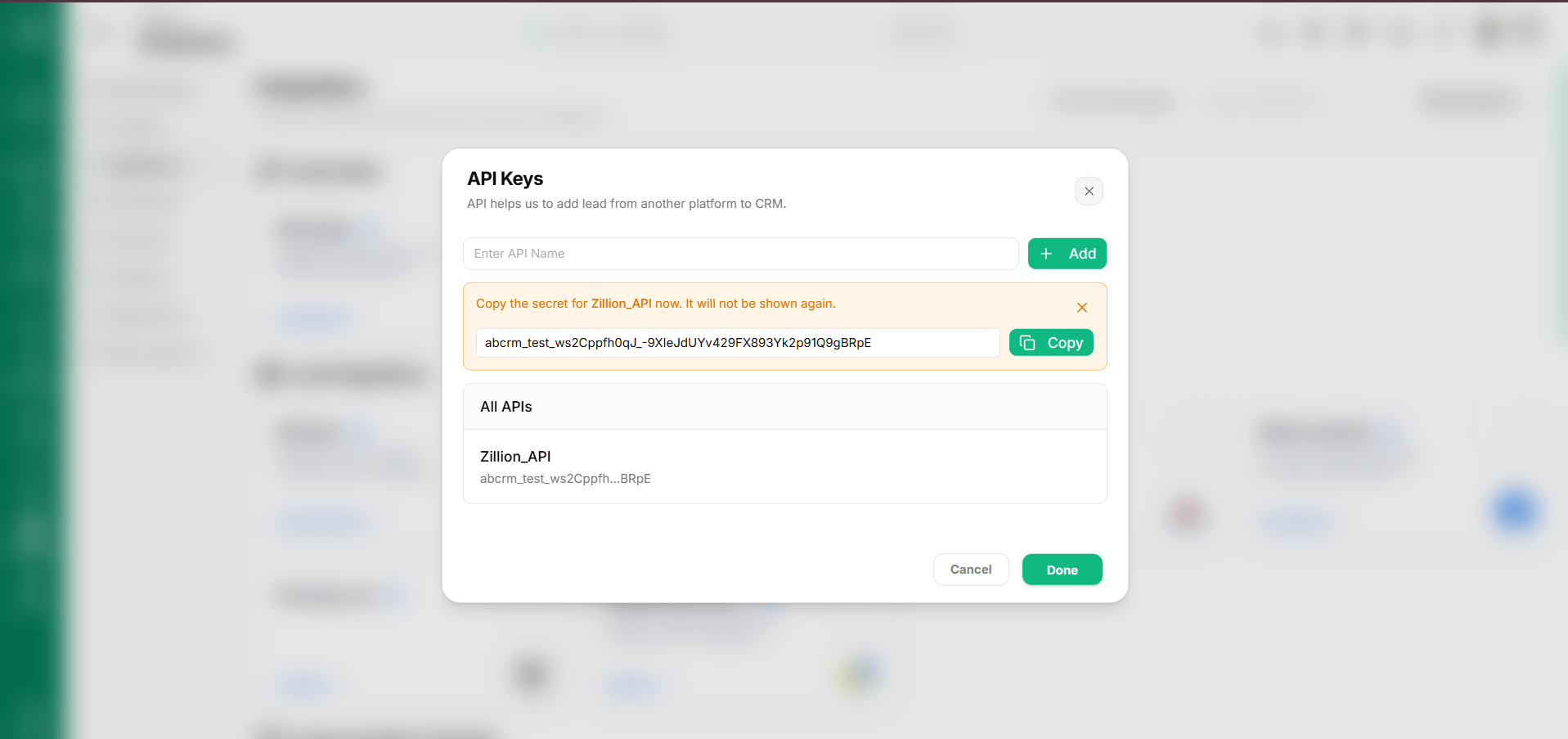
Response envelopes
The API enforces strict response contracts depending on whether the operation is a read (GET) or a mutation (POST, PATCH, PUT, DELETE).
Read success envelope (GET)
All read endpoints return a standardized metadata envelope containing status, code, message, payload data, and timestamp:
Mutation success envelope (POST, PATCH, PUT, DELETE)
All mutations return a lightweight envelope indicating operation success:
Error envelope
When a request cannot be completed, the API responds with an error envelope containing actionable feedback and specific field failure details:HTTP status codes
Pagination and filtering
List endpoints for entities (Leads, Contacts, Products) and Follow-ups support standard query pagination parameters:page: 1-based page number to retrieve. Defaults to1.limit: Number of items per page. Defaults to20. Maximum permitted limit is200.search: Keyword string to match against entity primary fields (such as name, email, phone, or title).
Custom-field list endpoints do not paginate; they always return all custom field definitions registered for that entity type in your workspace.