
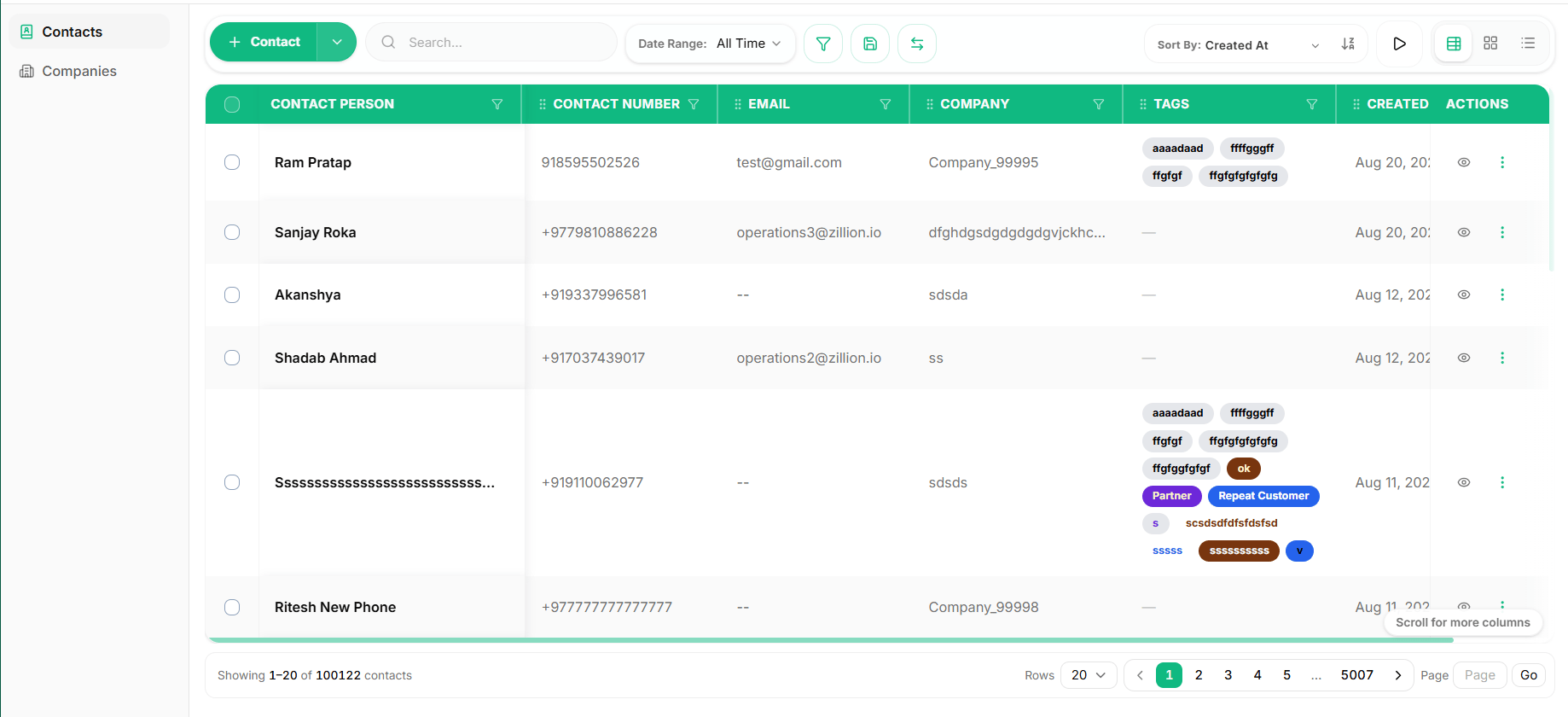
Key capabilities
- Automatic deduplication and upserts: When creating a contact via
POST /contacts, the CRM automatically checks for existing records with matching phone numbers or emails in your workspace. If a match is found, the system performs an upsert by updating the existing profile instead of creating a duplicate. - Phone number normalization: Contact phone numbers are stored with country codes (such as
+1,+44, or+91) and national numbers for reliable omnichannel lookup. - Tags: Apply tags (such as
vip,partner, ordecision-maker) to segment contacts for campaigns and filtering. - Custom fields: Attach industry-specific or company-specific properties defined in your workspace metadata.
Contact lifecycle
- Creation/Upsert: Ingest contacts from webhooks, website sign-ups, or chat interactions.
- Detail retrieval: Inspect complete contact profiles by unique ID.
- Continuous enrichment: Update tags and custom fields as you learn more about customer needs.
Related API operations
- List contacts: Search and paginate contacts.
- Get contact: Retrieve an individual contact record by ID.
- Create or upsert contact: Add or update contacts with duplicate resolution.
- Update contact: Modify contact properties and custom fields.
- Contact follow-ups: Schedule reminder calls or meetings.