
How it works
- Incoming conversation: A chat message arrives with a phone number (such as
+1 (555) 123-4567or919876543210). - Phone normalization: The API parses country codes and national digit strings, handling spaces, punctuation, leading plus signs, and leading zeroes.
- Context resolution: The endpoint returns:
contact: The matched customer profile, tags, and custom fields.leads: Any active or closed deals associated with the customer.recent_followups: Scheduled reminders and follow-up history.matched: Boolean flag indicating whether an existing record was identified.
Integration workflow
Support and sales teams in the Team Inbox can view a contextual CRM side drawer automatically populated by this endpoint, allowing agents to see previous purchases, deal stage, and notes without switching tabs.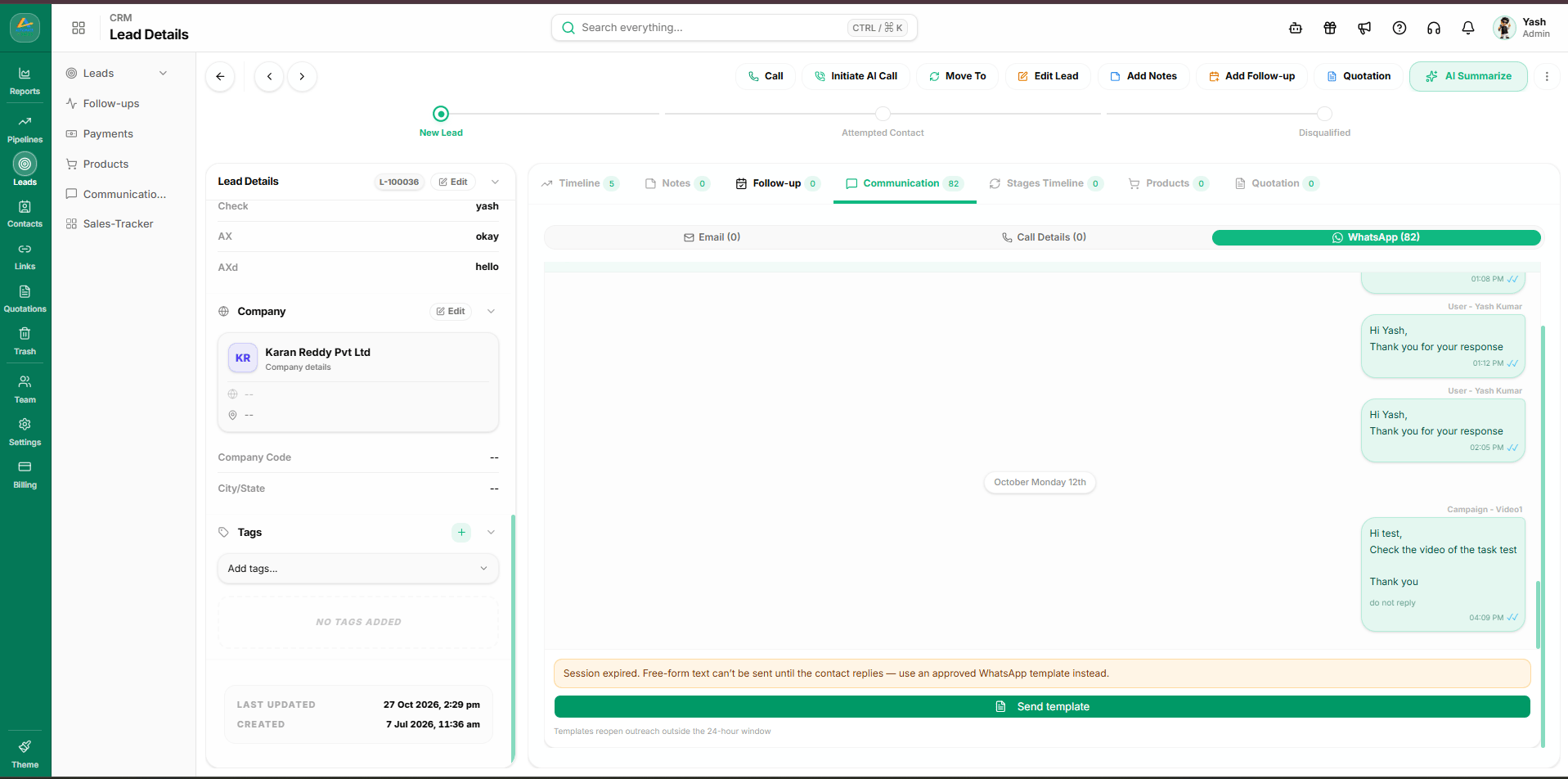
Related API operations
- Lookup context by phone: Execute phone normalization and context retrieval.
- Create or upsert contact: Create a contact record if the phone number is unmatched.